




Table of Contents
Introduction
A server room is the core environment that supports IT infrastructure, network systems, and data storage equipment. Unlike large-scale hyperscale data centers, many enterprises, hospitals, schools, and government organizations rely on smaller server rooms or micro data centers to support their daily digital operations.
Without proper maintenance, issues such as overheating, dust accumulation, unstable power supply, and cable mismanagement can lead to equipment failure or even service outages. Therefore, regular server room maintenance is essential to ensure long-term stability and reliability.
This article explains the key maintenance practices that help improve server room reliability, power stability, and operational efficiency.
1. Maintain Stable Power Supply
Power stability is the most critical factor in server room operation. Even a brief power interruption can cause system shutdowns, data corruption, or hardware damage.
To maintain reliable power infrastructure, server rooms should include:
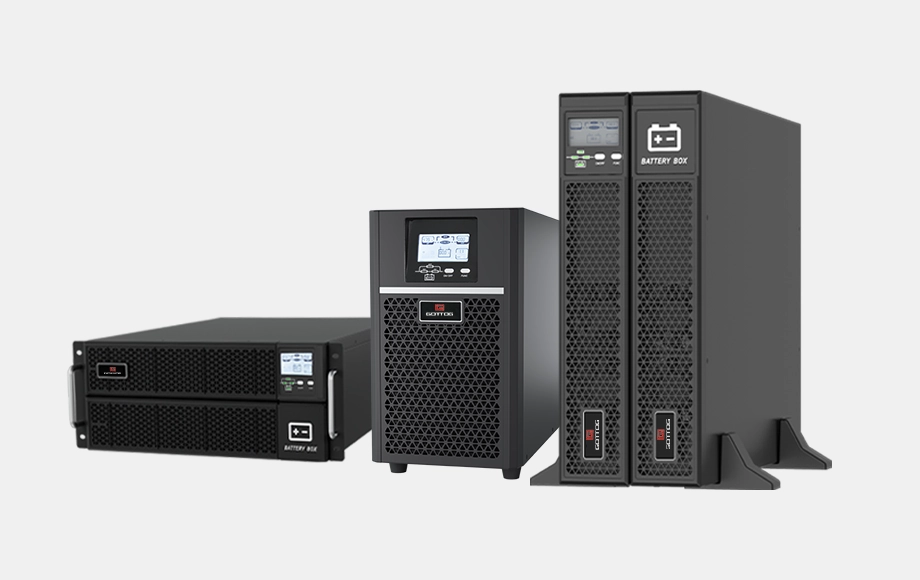
- UPS systems for backup power protection
- Proper grounding and surge protection
- Stable power distribution units (PDUs)
- Regular UPS battery inspection
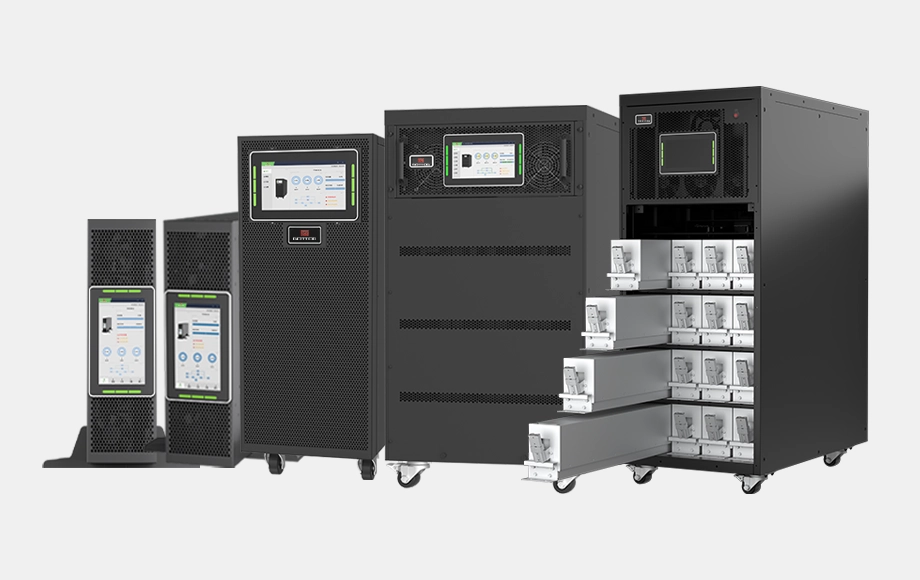
Many organizations deploy online double-conversion UPS systems to protect IT equipment from voltage fluctuations, power outages, and grid instability.
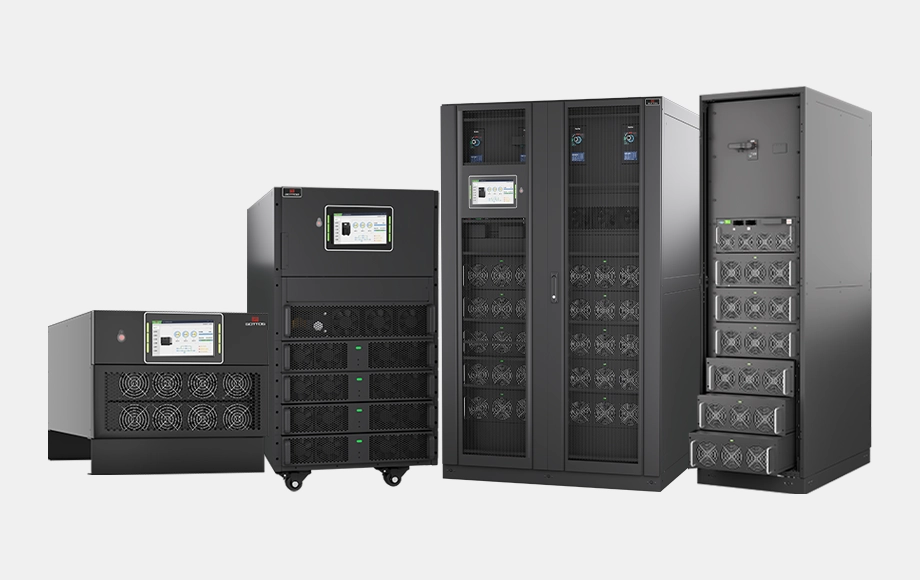
Modular UPS systems are also becoming popular in modern small data center and server room environments because they provide scalability, redundancy, and simplified maintenance.
2. Ensure Effective Cooling and Temperature Control
Server equipment generates a large amount of heat. Without proper cooling, excessive temperatures can significantly reduce equipment lifespan and increase the risk of failure.
Recommended server room environmental conditions typically include:
- Temperature: 18–27°C (64–80°F)
- Relative humidity: 40–60%
Maintenance practices should include:
- Checking cooling system performance
- Cleaning air filters regularly
- Ensuring proper airflow around racks
- Avoiding hot air recirculation
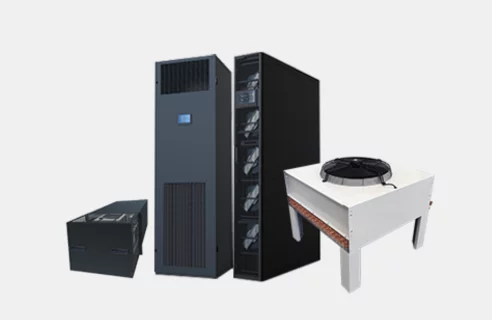
Many server rooms use precision air conditioning systems or dedicated cooling solutions to maintain stable operating conditions.
3. Keep the Server Room Clean and Dust-Free
Dust accumulation is one of the most overlooked problems in server room environments.
Dust can:
- Block ventilation openings
- Reduce cooling efficiency
- Cause electronic component failure
- Increase fire risk
Routine cleaning procedures should include:
- Regular floor and rack cleaning
- Air filter replacement
- Equipment surface dust removal
- Ensuring sealed environments
Anti-static flooring and controlled access can also help maintain a cleaner server room environment.
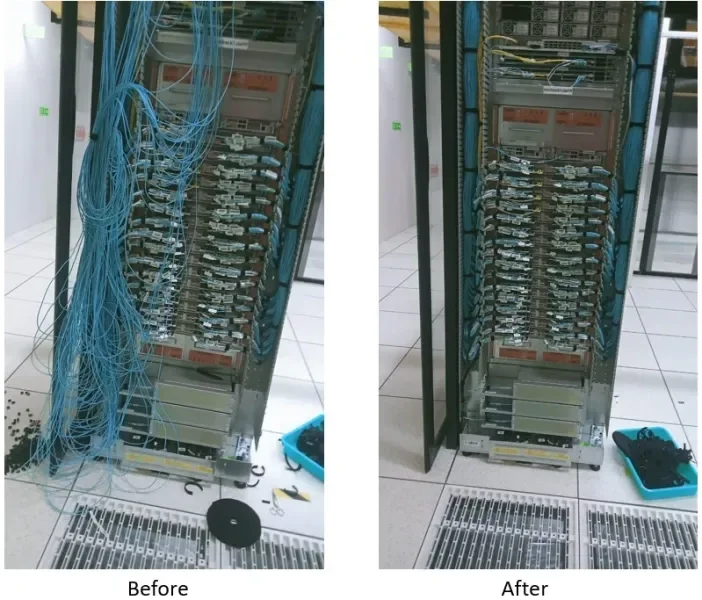
4. Organize Cables and Network Infrastructure
Poor cable management can create operational risks and make maintenance much more difficult.
Proper cable management helps:
- Improve airflow
- Simplify troubleshooting
- Reduce accidental disconnections
- Improve overall safety
Recommended practices include:
- Labeling network and power cables
- Using cable trays and management panels
- Separating power cables from data cables
- Maintaining organized rack layouts
Well-organized infrastructure also improves maintenance efficiency for technicians.
5. Monitor Environmental Conditions
Modern server rooms should deploy environmental monitoring systems to track key parameters in real time.
These systems typically monitor:
- Temperature and humidity
- Power supply status
- UPS system operation
- Water leakage detection
- Smoke detection
With intelligent monitoring platforms, administrators can receive alerts immediately when abnormal conditions occur, allowing them to respond quickly and prevent downtime.
6. Perform Regular Equipment Inspection
Routine inspection ensures that potential issues are detected early.
Key inspection tasks include:
- UPS system status checks
- Battery health testing
- Cooling system performance inspection
- Power distribution cabinet checks
- Network equipment status verification
Preventive maintenance significantly reduces unexpected equipment failures.
7. Control Physical Access and Security
Server rooms contain critical IT infrastructure and sensitive data systems. Unauthorized access may create security and operational risks.
Effective security measures include:
- Access control systems
- Video surveillance
- Visitor logging
- Restricted maintenance permissions
These measures help ensure both physical security and operational stability.
Conclusion
Server room maintenance is essential for ensuring the reliability of IT infrastructure and preventing unexpected system failures. Proper power protection, effective cooling, organized cable management, environmental monitoring, and regular inspections all play critical roles in maintaining stable server room operations.
As digital infrastructure continues to expand, organizations must adopt professional maintenance strategies to ensure that their server rooms and small data centers remain secure, efficient, and highly reliable.
Reliable power and environmental management are essential for stable server room operation.
With years of experience in UPS systems, modular power infrastructure, and data center solutions, Gottogpower provides reliable power protection solutions for server rooms, small data centers, and critical IT environments.
If you are planning to upgrade or build a new server room power system, feel free to contact us to explore suitable solutions.